After applying for your Haryana Family ID (Parivar Pehchan Patra), you'll want to track the status of your application. This page provides a comprehensive guide on how to check your PPP Haryana application status online.
How to Check Haryana Family ID Status
Follow these simple steps to check the status of your PPP Haryana application:
Step 1: Visit the Official Website
Go to the official Mera Parivar portal: https://meraparivar.haryana.gov.in/
Step 2: Find the Status Check Option
Look for the "Status Check" option in the dashboard or home page.
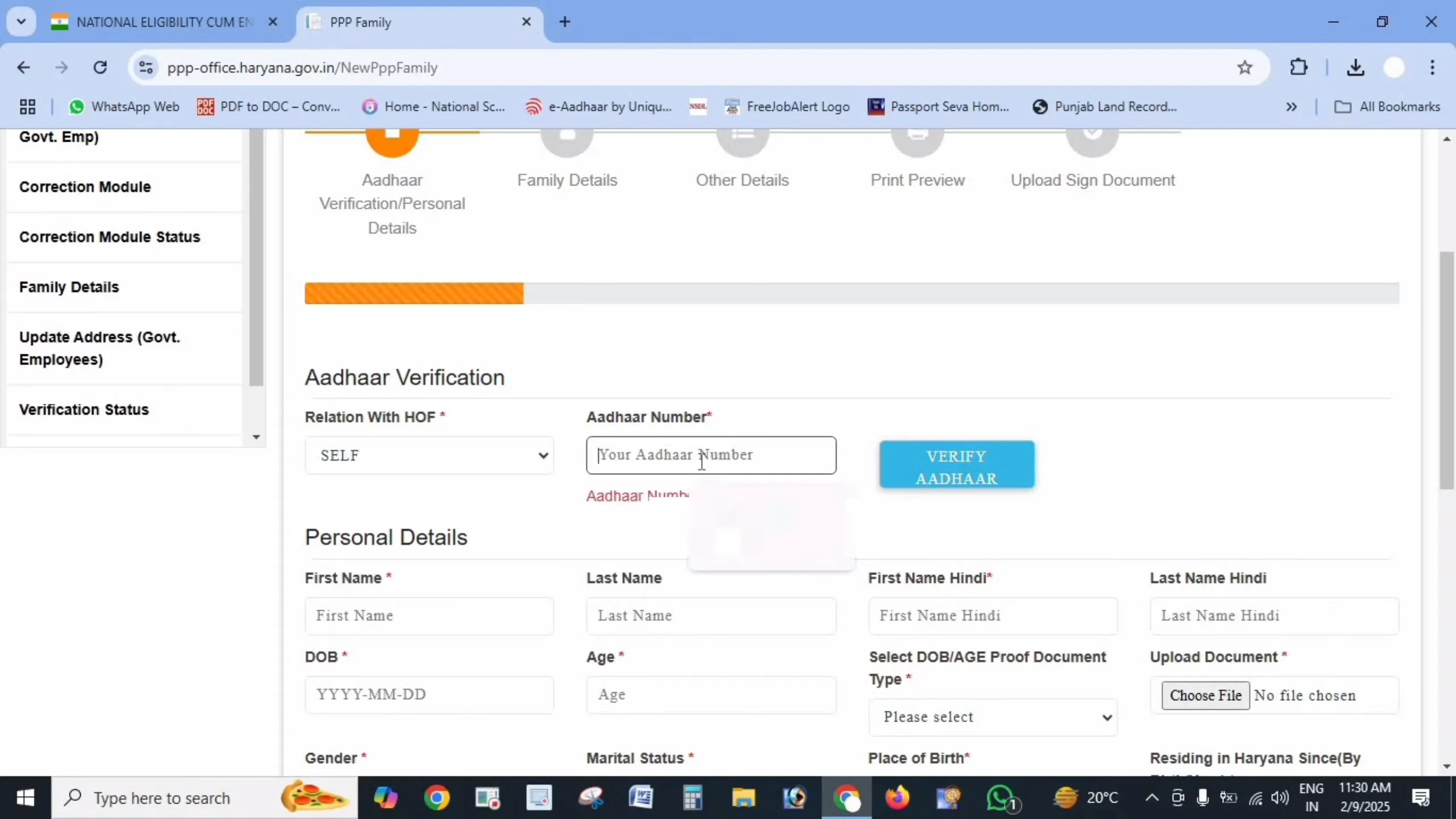
Step 3: Enter Your Details
Enter one of the following:
- Your Family ID number
- Application number (if you received one during registration)
- Registered mobile number
Step 4: Verify with OTP (if required)
If you're using a mobile number, you may need to verify with an OTP sent to your phone.
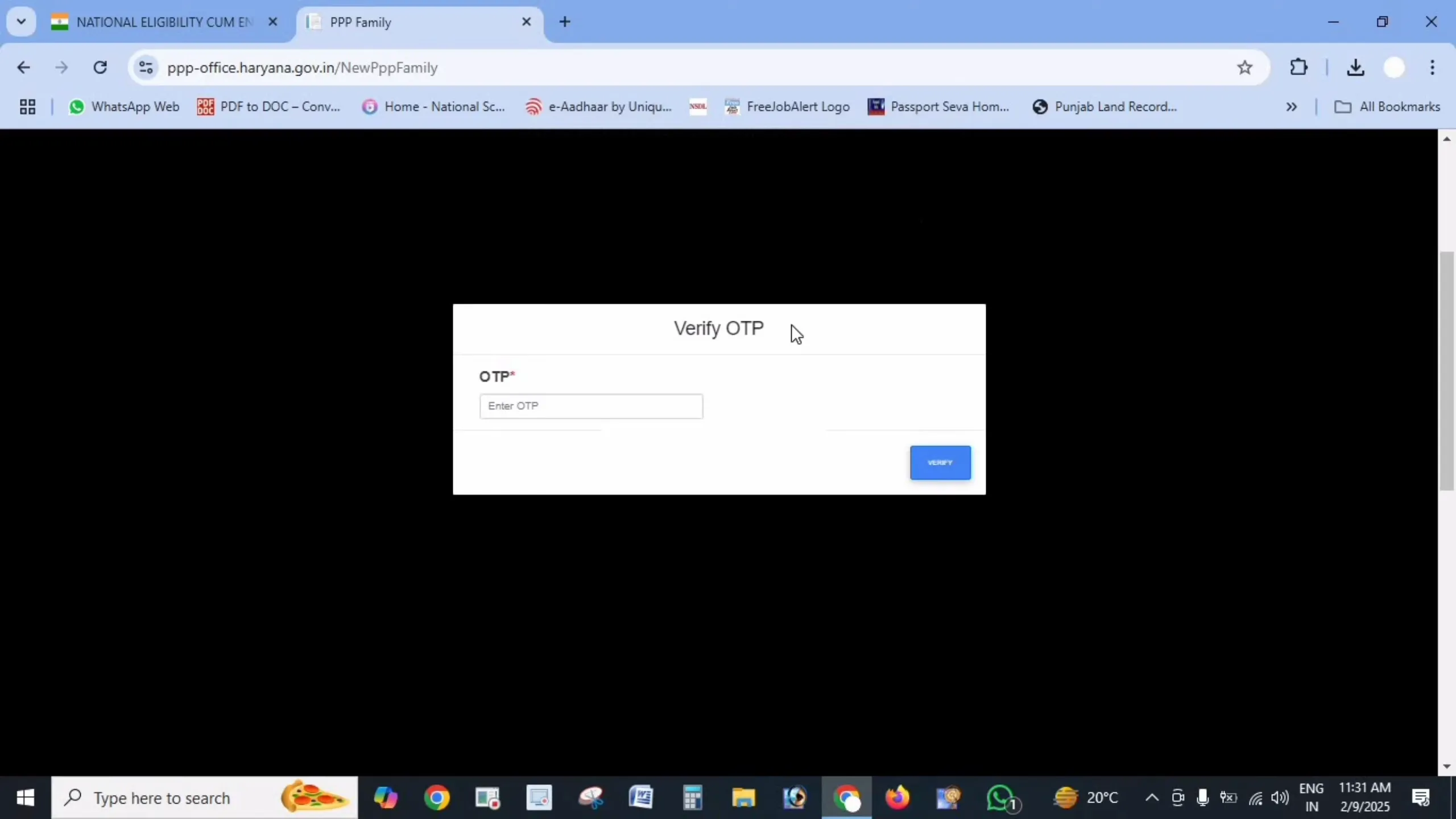
Step 5: View Status
After verification, you'll be able to see the current status of your application.
Understanding Different Status Types
Status: Processing / Pending
What it means: Your application is being reviewed by the authorities. The verification process typically takes 10-30 days.
What to do: Be patient and check back after a few days. If the status remains unchanged for more than 30 days, you might want to visit your nearest Saral Kendra for assistance.
Status: Approved
What it means: Your application has been verified and approved. You now have an official Haryana Family ID.
What to do: Proceed to download your Family ID from the portal and save a copy for your records.
Status: Rejected
What it means: Your application has been rejected due to some discrepancy or incomplete information.
What to do: Check the reason for rejection provided in the portal. Correct the errors and reapply. Common reasons include incorrect documents, mismatched information, or quality issues with uploaded documents.
Checking Status of Updates to Existing Family ID
If you've requested updates to your existing Family ID (such as adding a member or updating details), you can check the status using the same process:
- Log in to your account using your Family ID
- Navigate to the "Update History" or "Correction Status" section
- Find your update request and check its current status
What to Do If Your Status Shows "Rejected"
If your application status shows as rejected, don't worry. Here's what you should do:
- Check the Reason: The portal should provide a specific reason for rejection.
- Address the Issue: Based on the reason, correct the information or upload proper documents.
- Reapply: Submit your application again with the corrected information.
- Seek Help if Needed: Visit your nearest Saral Kendra if you need assistance with your application.
Common Problems When Checking Status
Issue: "Application Not Found" Error
Solution: Double-check your application number or Family ID. Make sure you're entering the correct information without any typing errors.
Issue: OTP Not Received
Solution: Ensure your mobile number is correctly registered. Check for network issues and try again after a few minutes. If the problem persists, use an alternate method like checking with your application number.
Issue: Website Not Loading
Solution: The official portal may experience high traffic at times. Try accessing it during non-peak hours or clear your browser cache and try again.
Other Ways to Check Your Status
If you're unable to check your status online, you have other options:
- Visit a Saral Kendra: The staff can help you check your application status.
- Contact Helpline: Call the PPP Haryana helpline number (available through district offices) for assistance.
Important Links
| Purpose | Link |
| Status Check Website | https://meraparivar.haryana.gov.in/ |
| Citizen Corner | https://ppp-office.haryana.gov.in/ |
| Saral Portal | https://saralharyana.gov.in/ |
Frequently Asked Questions
How long does it take to process a Family ID application?
Typically, it takes 10-30 days for the verification and processing of a new application.
What happens if my status doesn't change for more than 30 days?
If your status remains "Processing" for more than 30 days, it's advisable to visit your nearest Saral Kendra for assistance.
Can I track multiple applications with one mobile number?
Yes, if you've used the same mobile number for multiple applications, you'll be able to see all of them when you check status using that number.
Will I receive a notification when my status changes?
In most cases, you'll receive an SMS on your registered mobile number when your application status changes, especially when it's approved.
How often should I check my application status?
It's reasonable to check once every 7-10 days as the processing typically takes time.